Project GOAT – AI-Enabled Learning Platform (Enterprise UX)
Designing an AI-driven onboarding and enablement experience for customer service teams at CVS
-

Role
UX Lead/Product Designer
-

Tools
Figma, Miro, Jira, Microsoft word, & Microsoft powerpoint
Overview
Designed an AI-powered learning platform to support onboarding and continuous development for customer service representatives. The platform combines guided learning, real-time AI assistance, and escalation workflows to improve knowledge retention and reduce dependency on trainers. I led the UX workstream, defining user flows, dashboards, and interaction patterns for a scalable enterprise system.
Target Users
The platform was designed to support three primary user groups, each with distinct needs and responsibilities

Learners
Primary users on the platform, responsible for onboarding and continuous development
Needs:
Clear structured learning pat
Real-time assistance while performing tasks
Visibility into progress and performance
Quick access to help when blocked
Design Focus:
Simplified dashboard
AI-Assisted guidance
Personalized Learning Journeys

Trainers (Subject matter experts)
Responsible for guiding learners, resolving
escalations, and ensuring knowledge accuracy
Needs:
Visibility into learner progress and challenges
Efficient handling of escalations
Ability to provide timely, contextual support
Insights into knowledge gaps
Design Focus:
Escalation management workflows
Communication touchpoints
Performance visibility

Admins (program/operations managers)
Oversee the learning ecosystem, ensuring alignment with business goals and performance metrics
Needs:
Monitoring system performance and engagement
Managing learning content and structure
Tracking completion rates and effectiveness
Ensuring scalability across teams
Design Focus:
System-level dashboards
Analytics and reporting
Content workflow management
Problem
Business Problems
Fragmented onboarding experience across tools
High dependency on trainers for support
Slow ramp-up time for new hires
User Problems (Learners)
Unclear learning path and next steps
Difficulty finding answers quickly
No personalized guidance
User Problems (Trainers/Admins)
Limited visibility into learner progress
Manual escalation handling
Lack of scalable system support
Solution
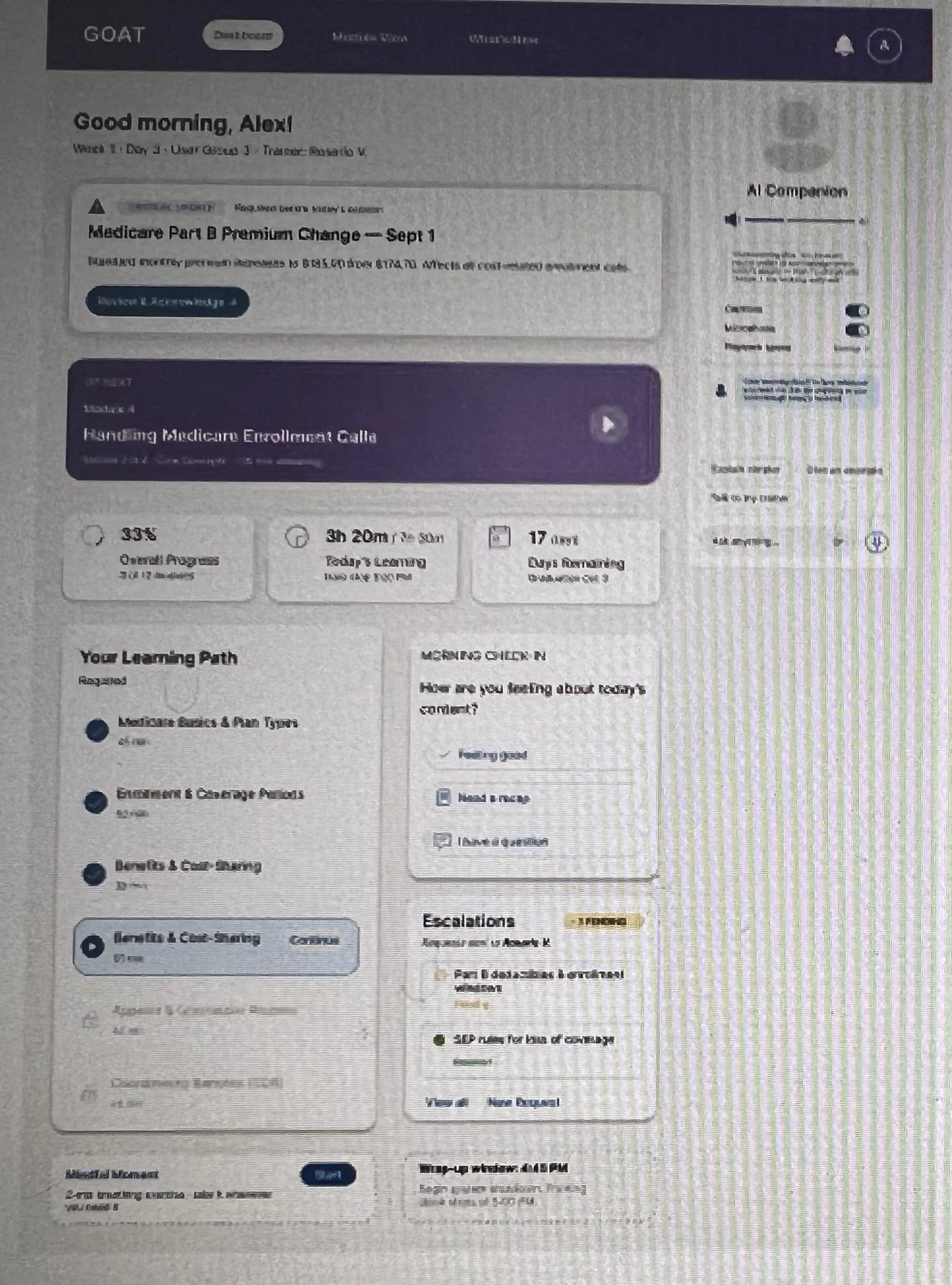
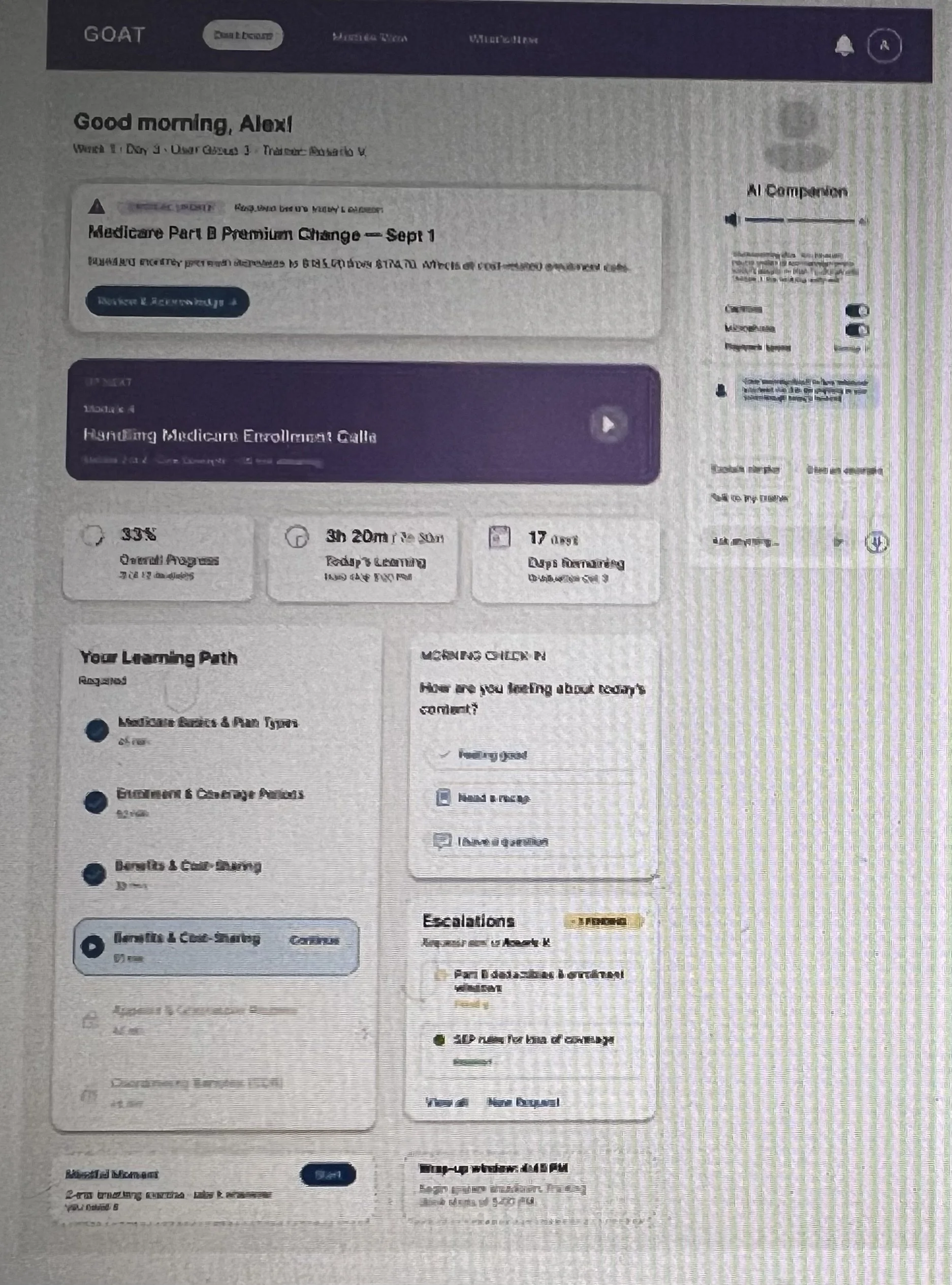
Guided Learning Dashboard
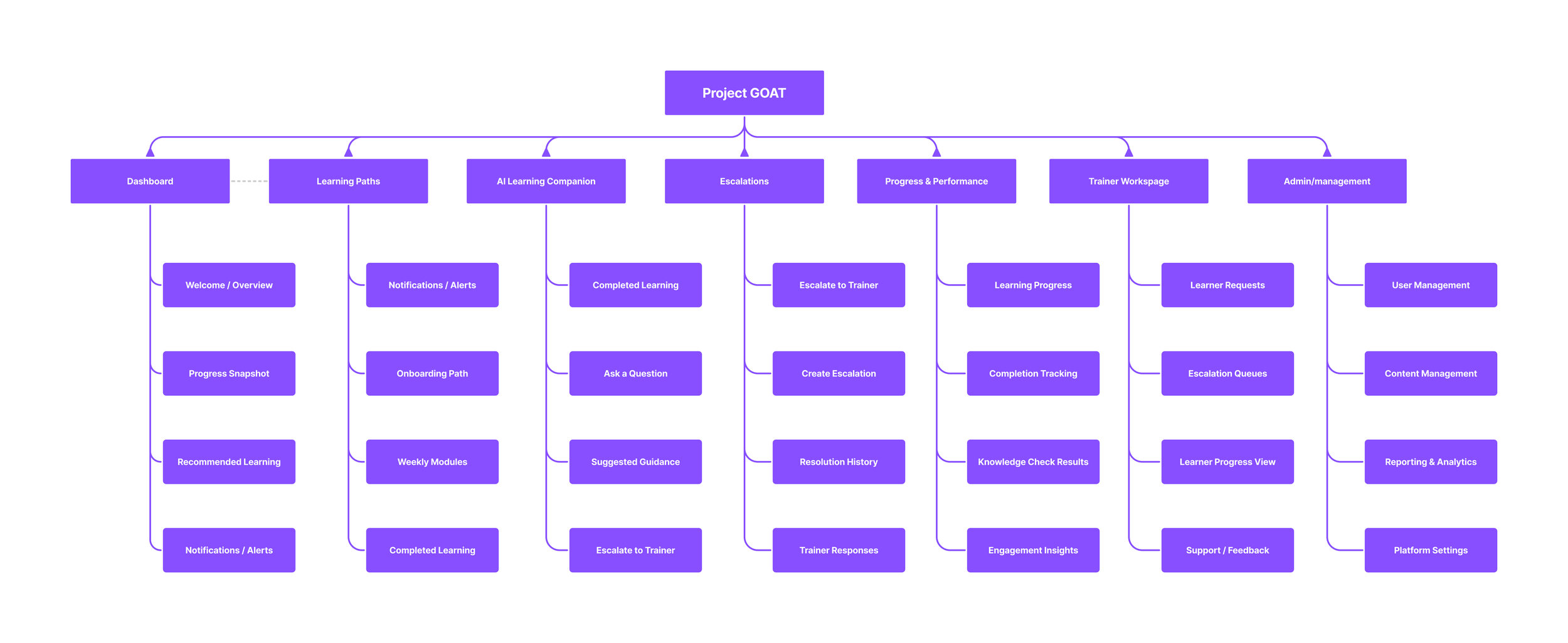
Designed a centralized dashboard providing personalized learning paths, progress tracking, and quick access to modules.
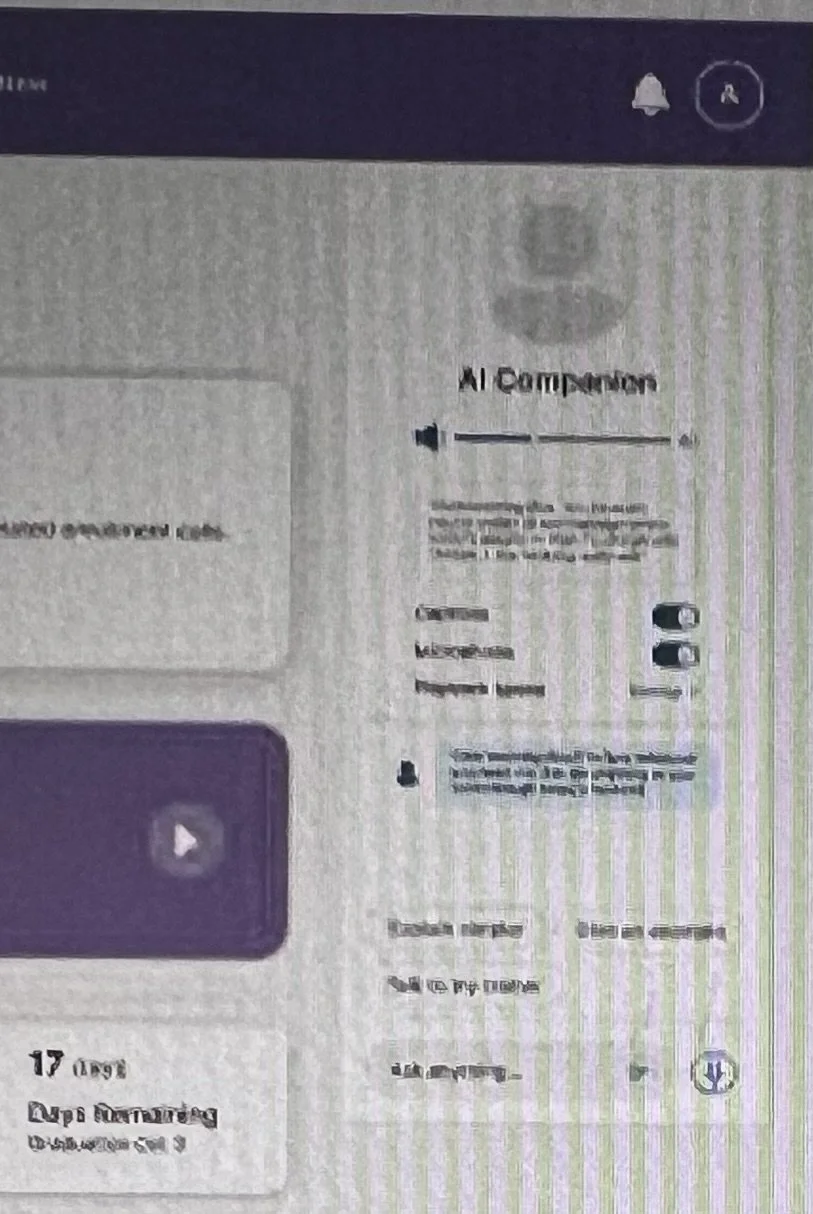
AI Assistant (Core Feature)
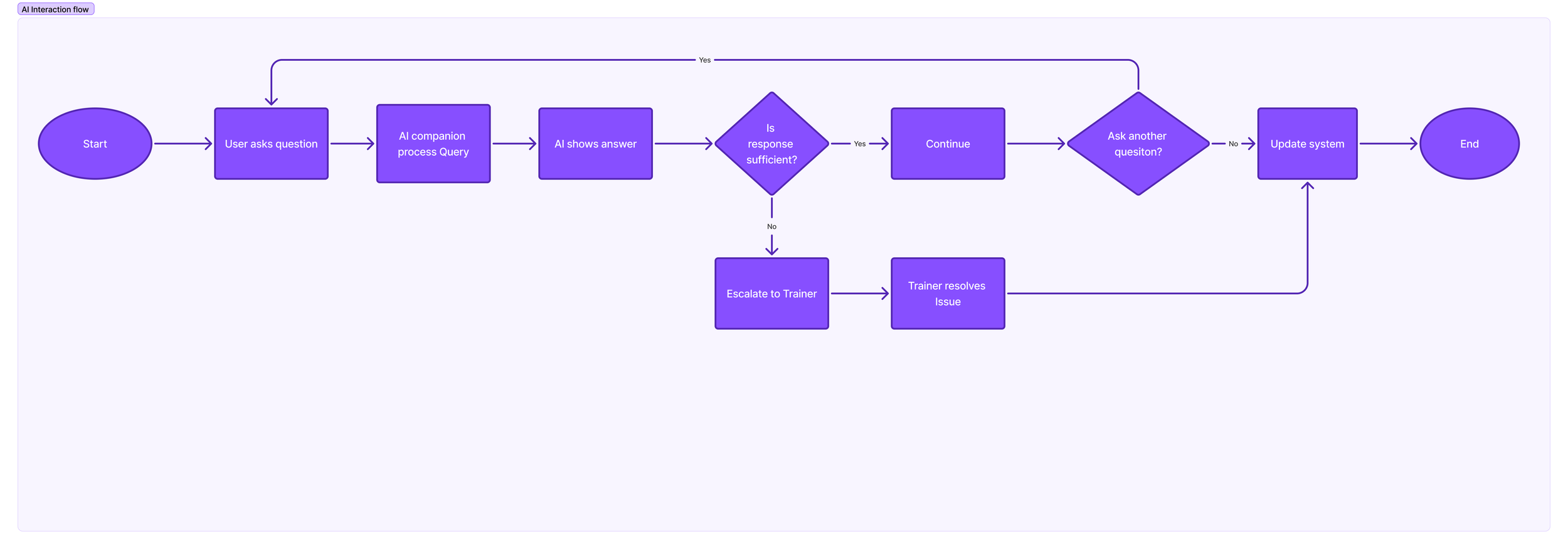
Introduced an AI-driven assistant to provide real-time support, answer questions, and guide users through learning workflows.
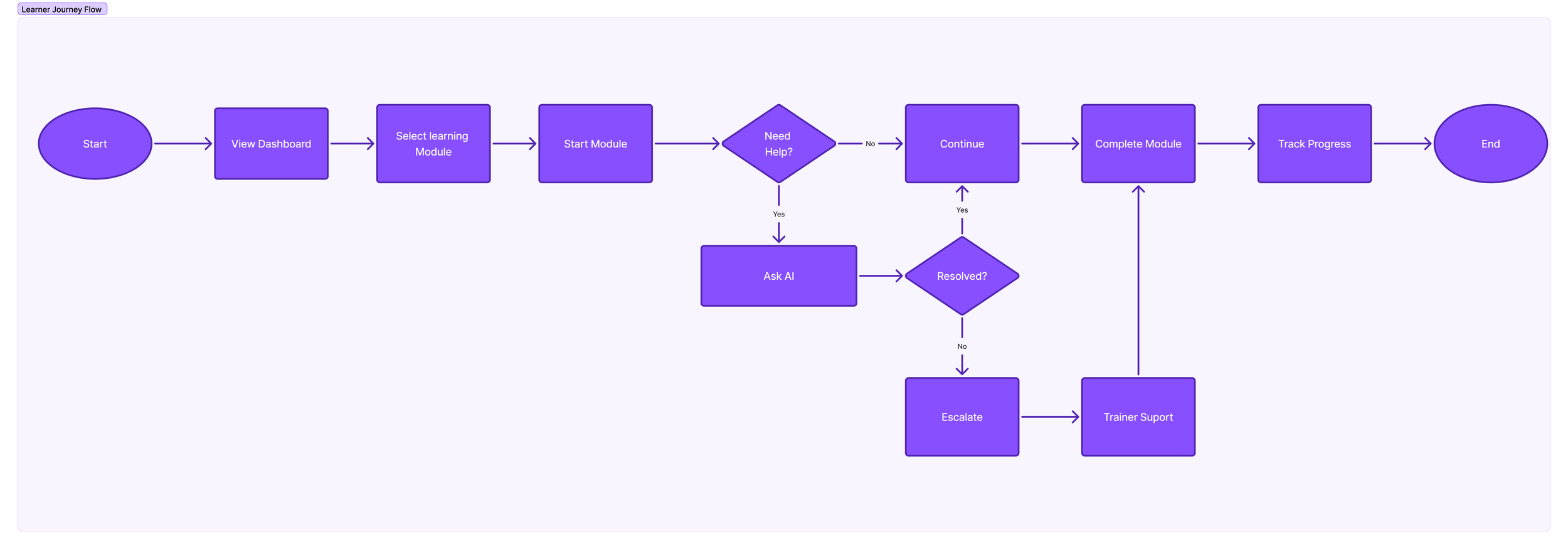
End to End User flows
IA Diagram
Key Design Decisions
Persistent AI Assistant
→ Enables quick support without disrupting workflowModular Learning Structure
→ Reduces cognitive overloadSimplified Escalation Flow
→ Minimizes friction and improves resolution speed
Impact
👤 User Impact
Faster access to answers via AI assistant
Clearer learning progression
Reduced confusion and friction
🧠 Team / Product Impact
Established UX foundation for a new AI-driven platform
Improved stakeholder alignment through UX artifacts and flows
Contributed to iterative improvements through feedback cycles
📈 Business Impact
Improved onboarding efficiency and clarity
Reduced dependency on trainers through self-service learning
Enabled scalable learning across teams
What I learned
Designing AI experiences requires balancing automation with human trust
Enterprise systems require clarity over visual complexity
Stakeholder alignment is critical when introducing new paradigms like AI learning